Help For Purchasing
Help for Method 1
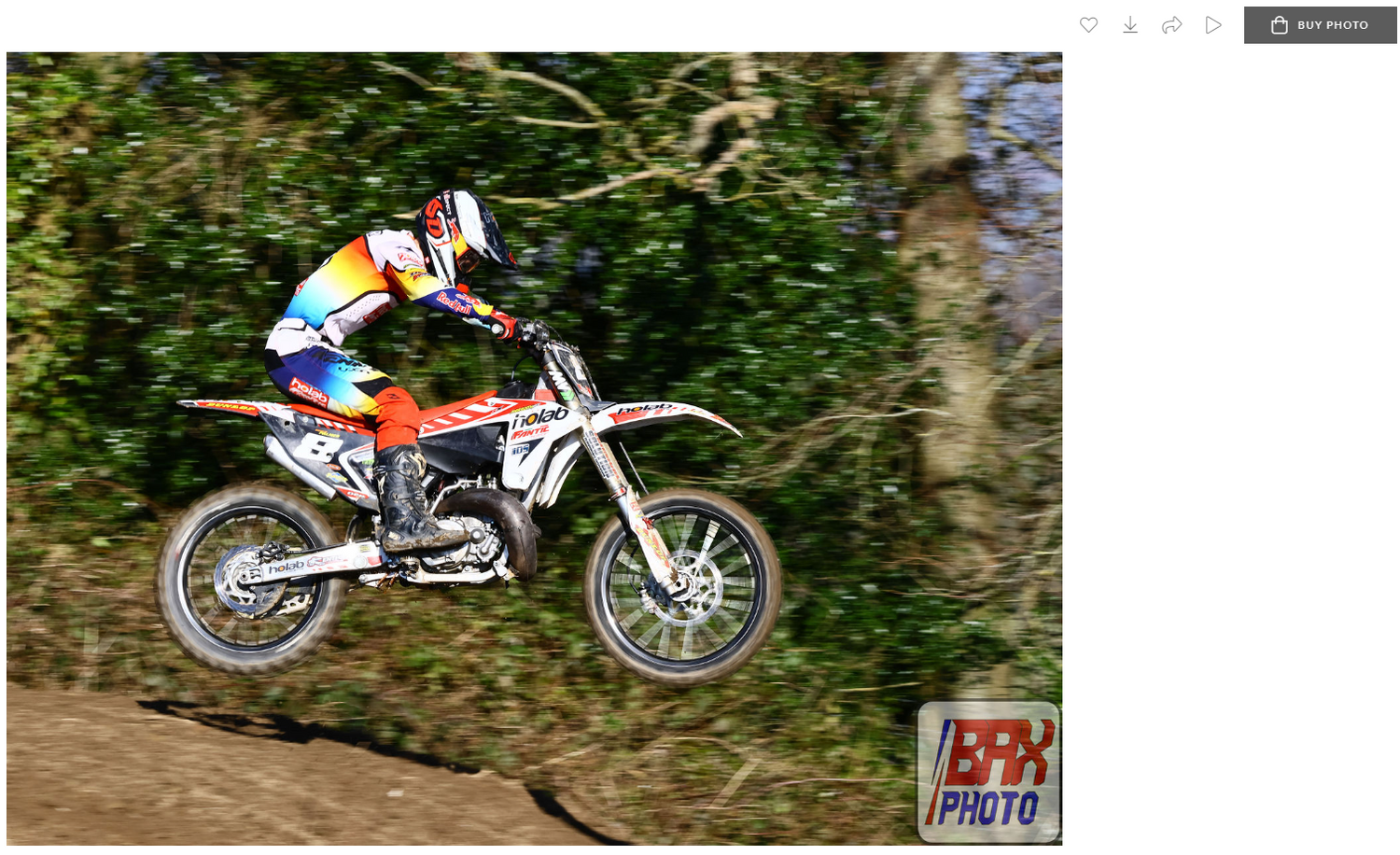
When you have selected a photo you may like, press Buy Photo - typically in the top right hand corner of the screen.
Help for Method 1
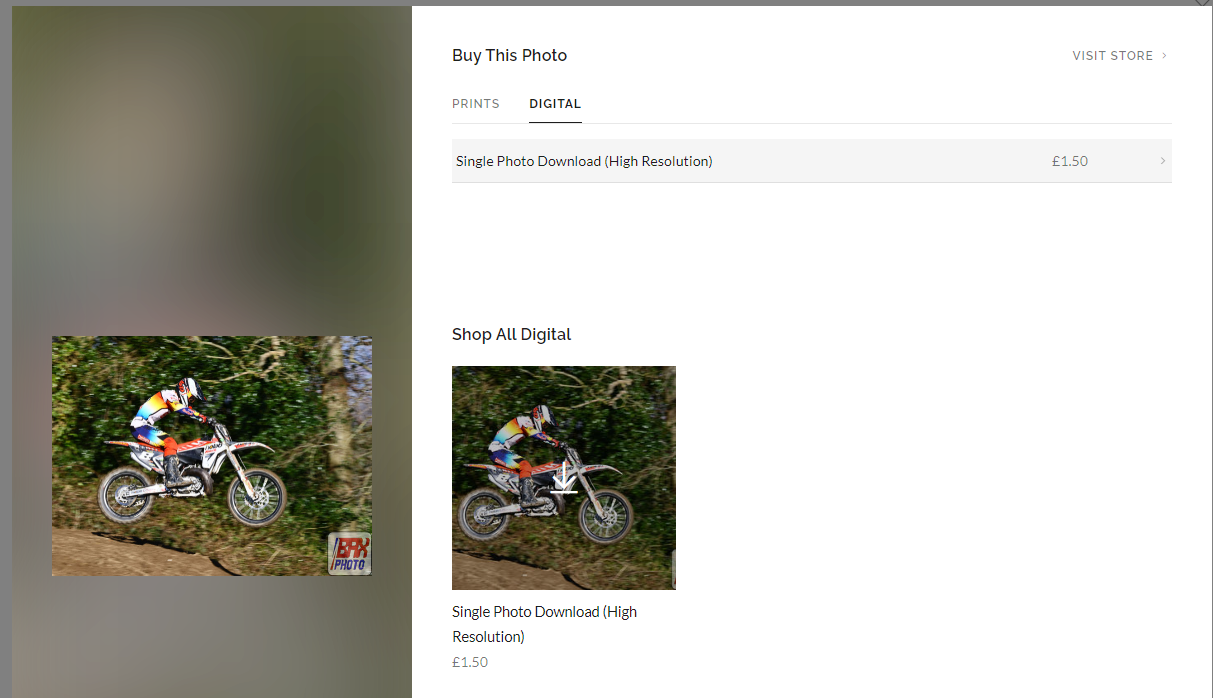
Select the delivery method - you can either have the photo printed, or, as a digital download.
Help for Method 1
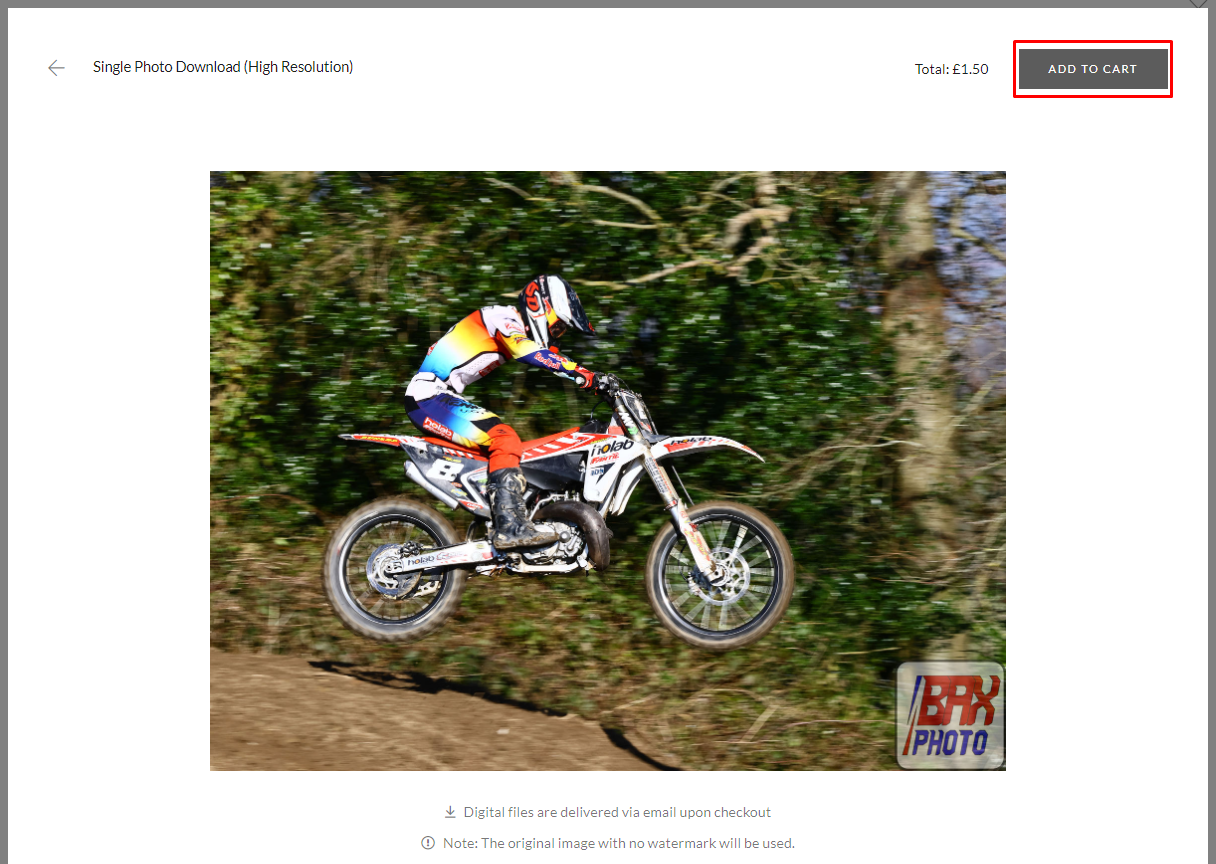
Press Add To Cart. Back out to the main gallery. You can add more then one photo at this stage.
Help for Method 1
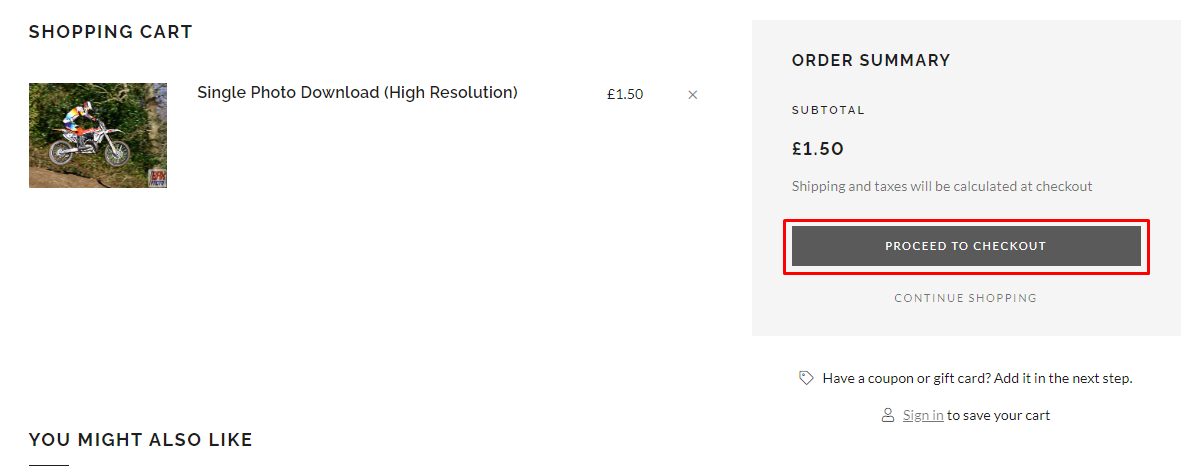
After you have finished selecting photos, back out to the main gallery, and press the trolley symbol to bring you to the checkout. Check your items and press Proceed to Checkout.
Help for Method 1
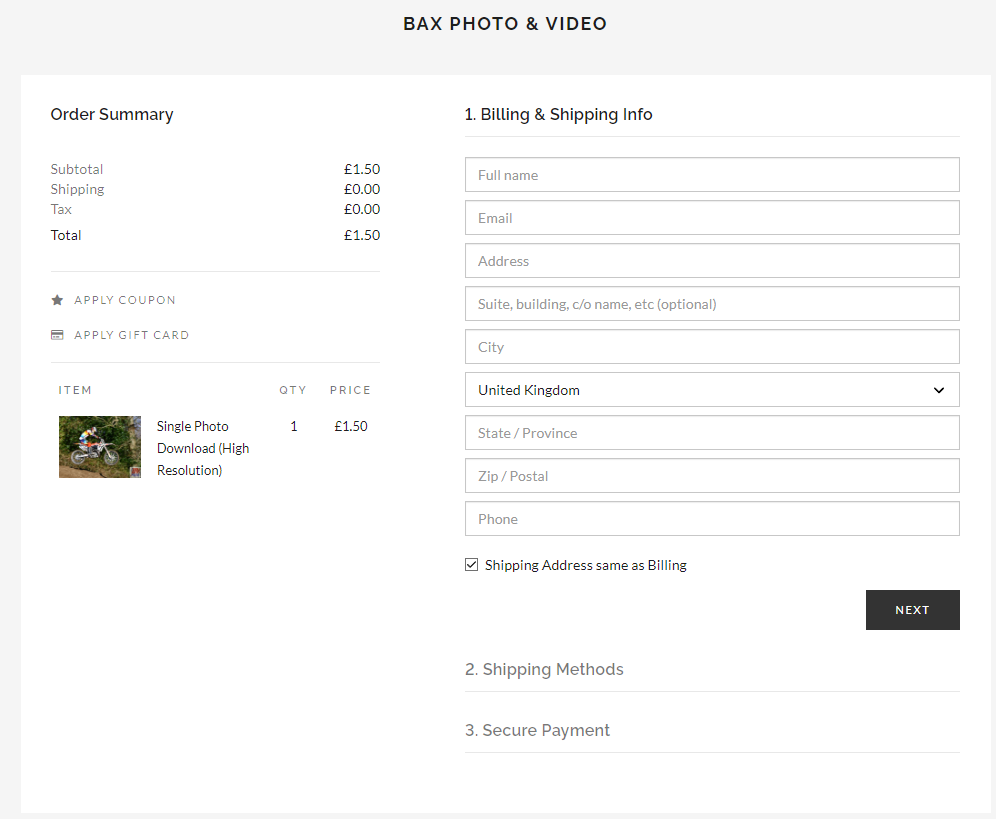
Enter your details and submit the order! Many thanks for your support.
Help for Method 2
Let me know you would like to use Method 2! Use the contact form to give me a poke, and I will let you know payment details. After payment, I will provide you with a 4-digit pin.
Help for Method 2
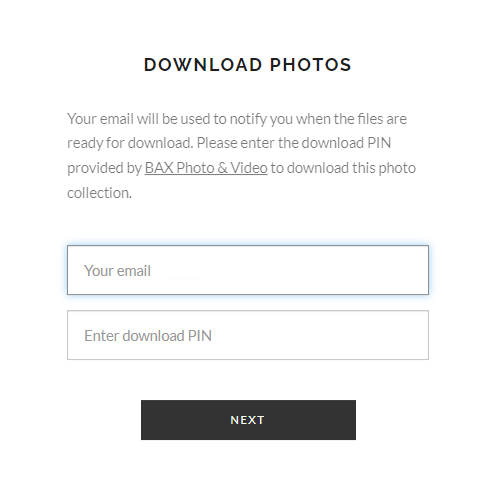
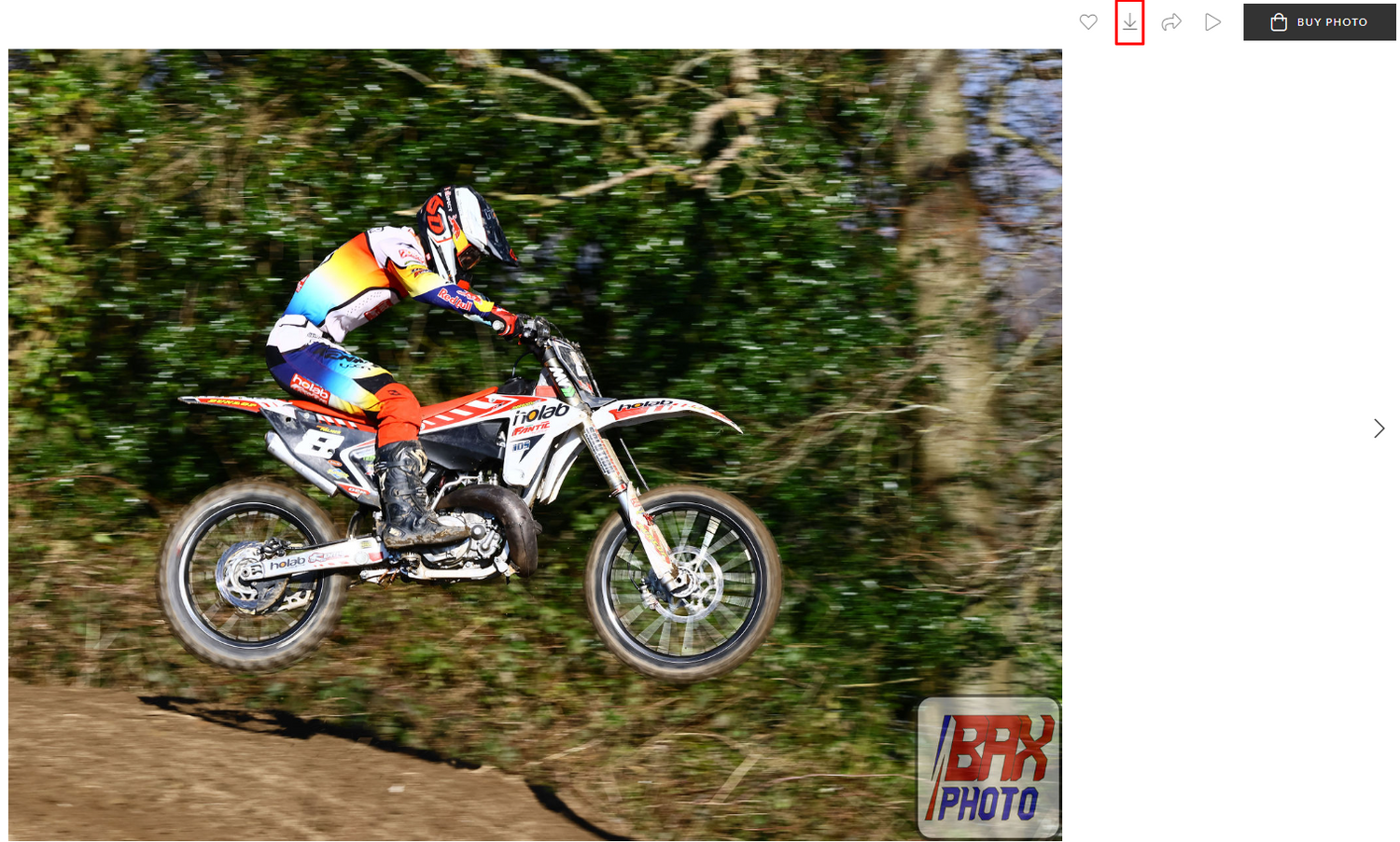
When you have received the PIN, head to the gallery. You can then use the Download button located as shown do download photos as required.
Help for Method 2
You can also download the entire gallery if you wish!
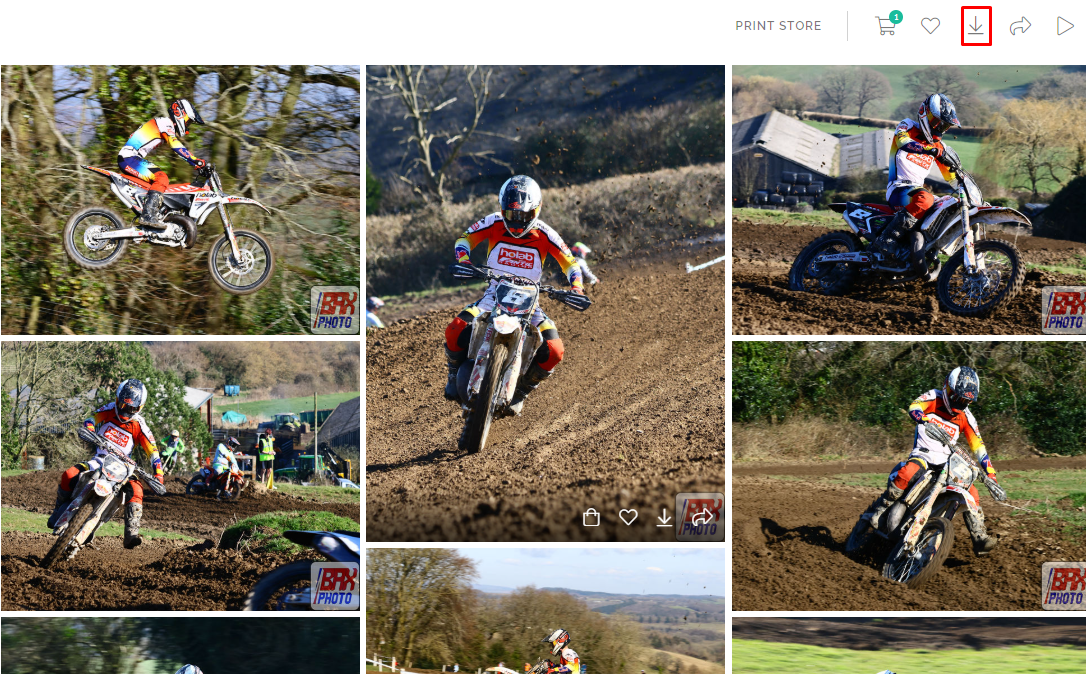
Help for Method 2
In any case, after pressing the download button, you will be prompted to enter your email and 4-digit pin. after this your photos will be available for download.